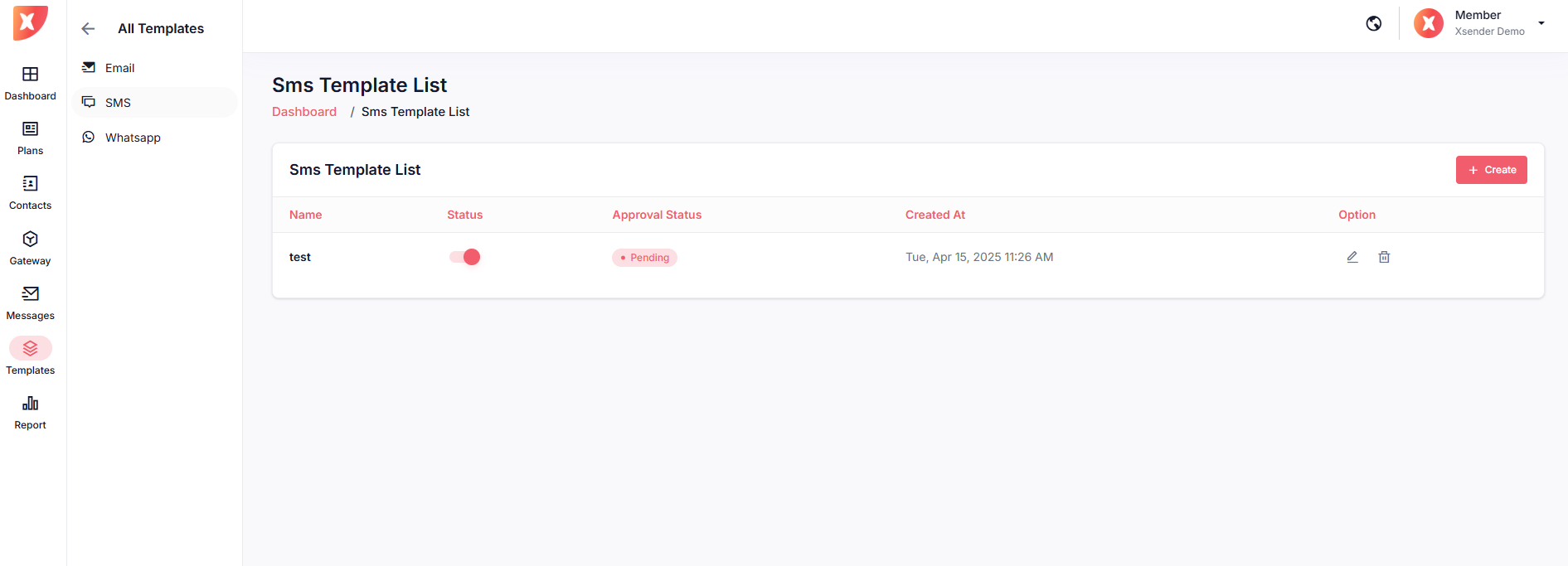
Navigate to Templates > Email
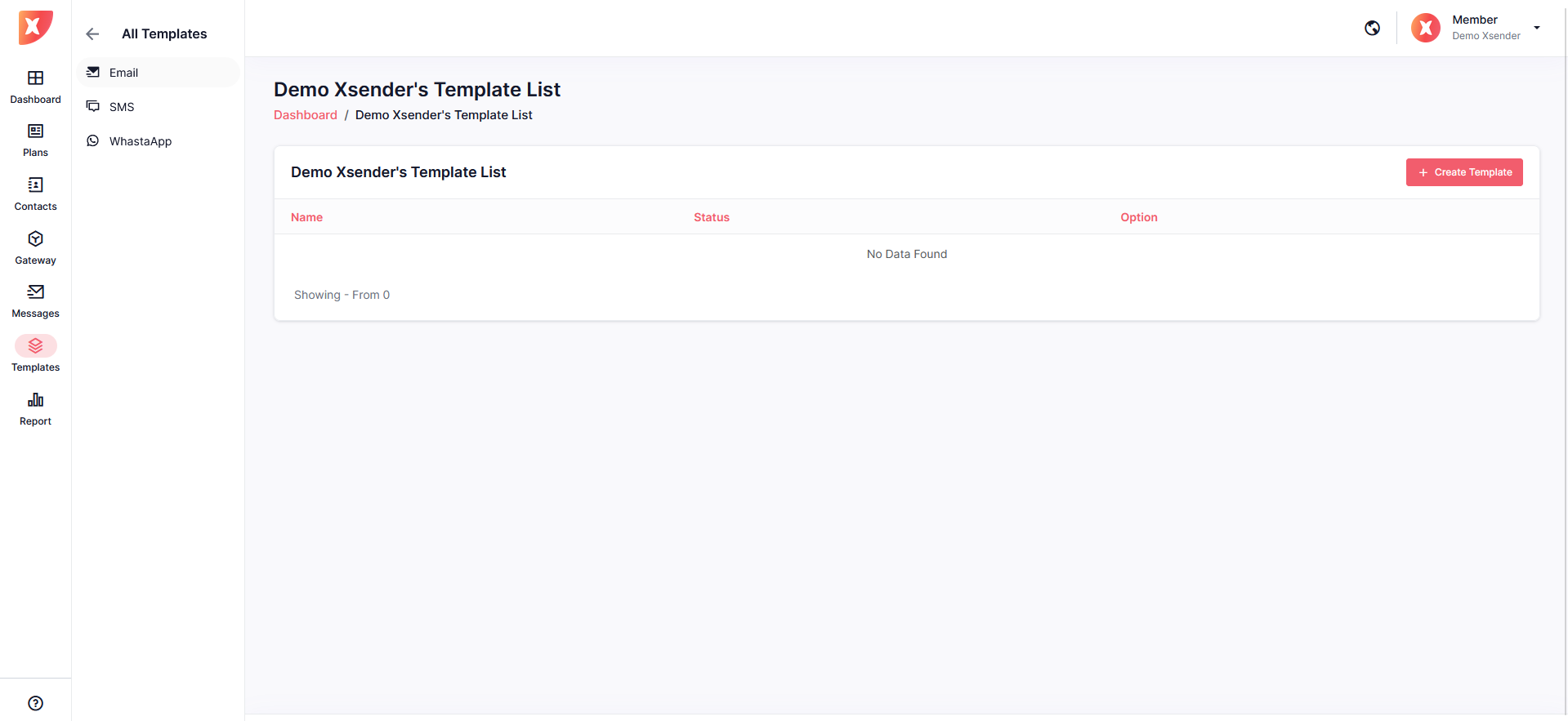
If you often find yourself needing to reply to similar messages over and over again, using a template can make this task much easier. In Xsender you can create multiple types of templates and manage them efficiently.
Navigate to Templates > Email
Click on create Template
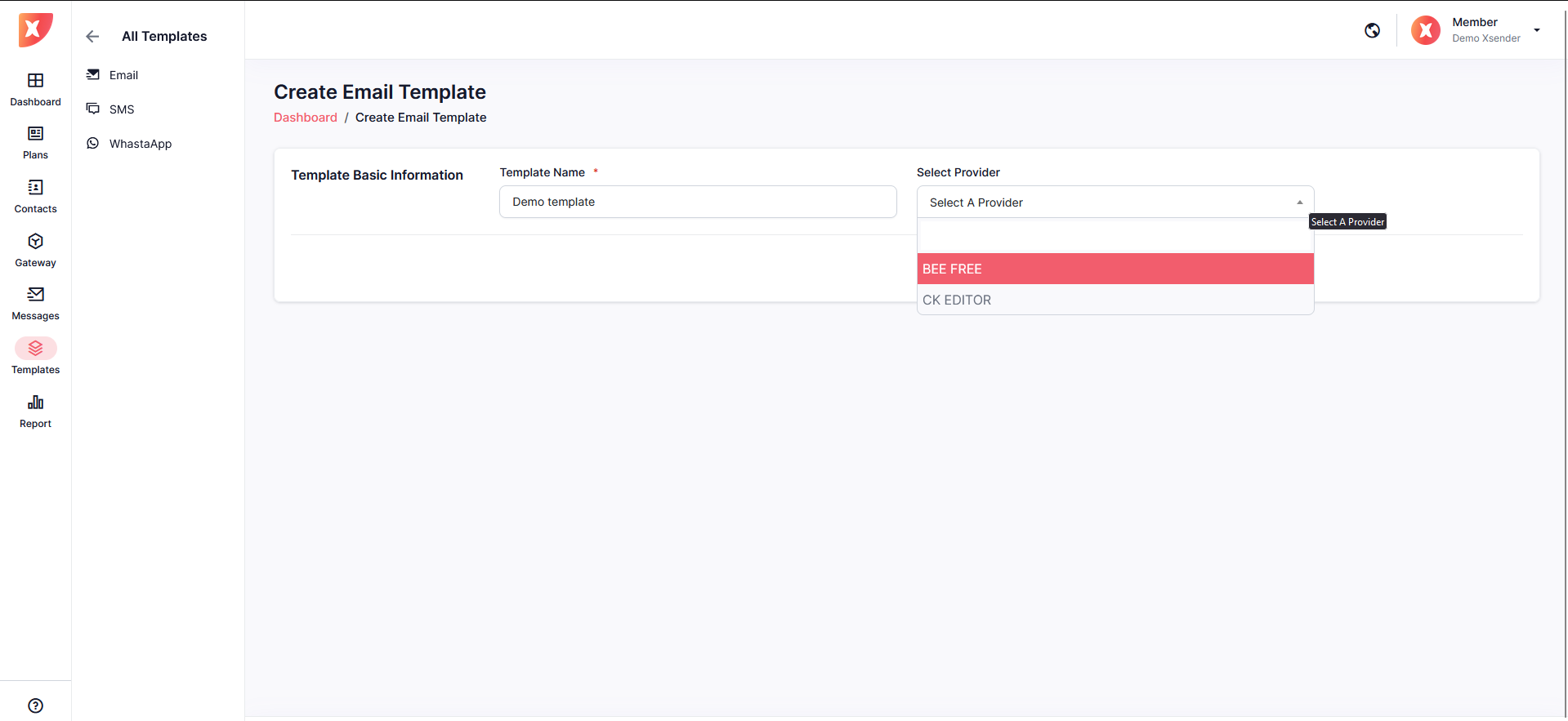
On this page you can select your editor between the two editor we provide
Set a name for this themplate
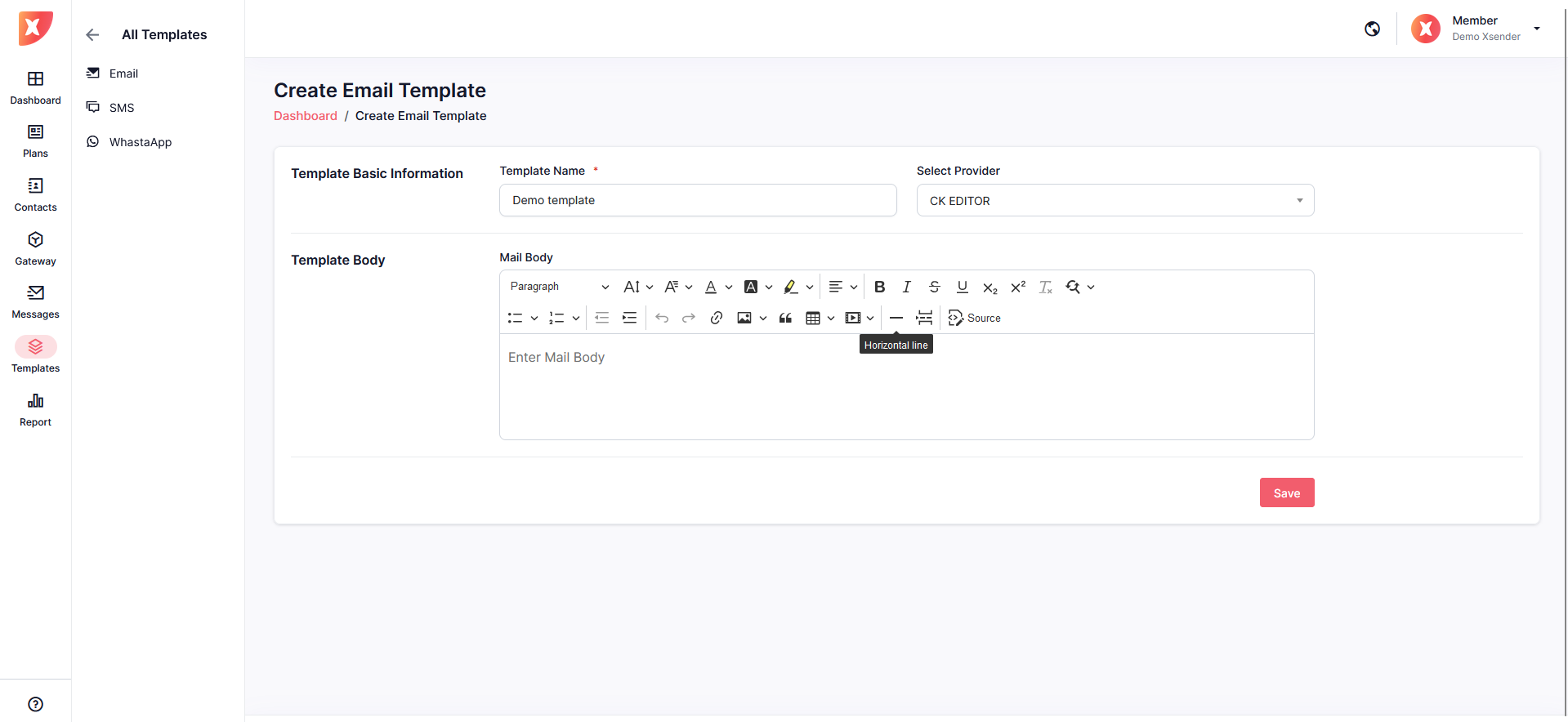
If you choose CK Editor you will see similar editor below
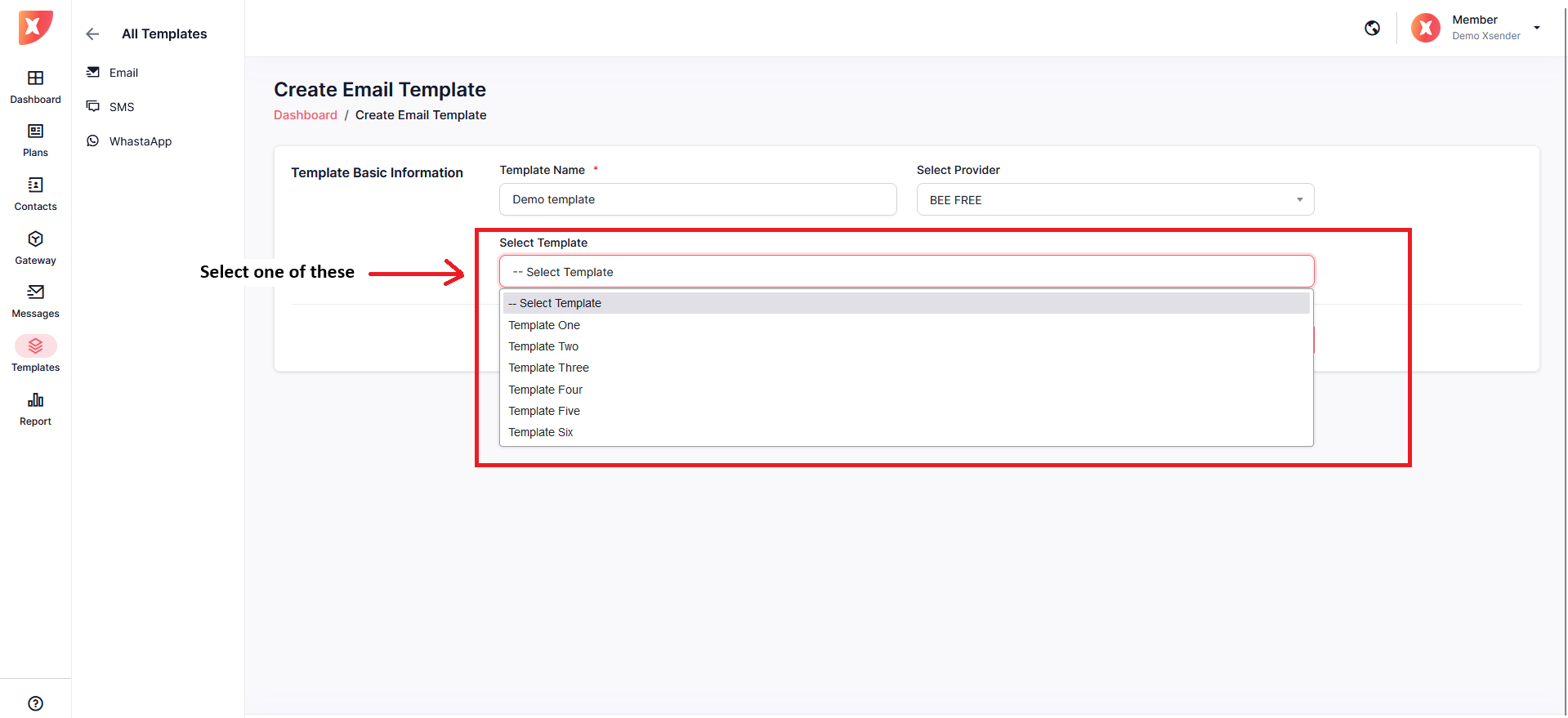
If you select BEE FREE editor, it will take you to the edit page where you can customize the free template to your need
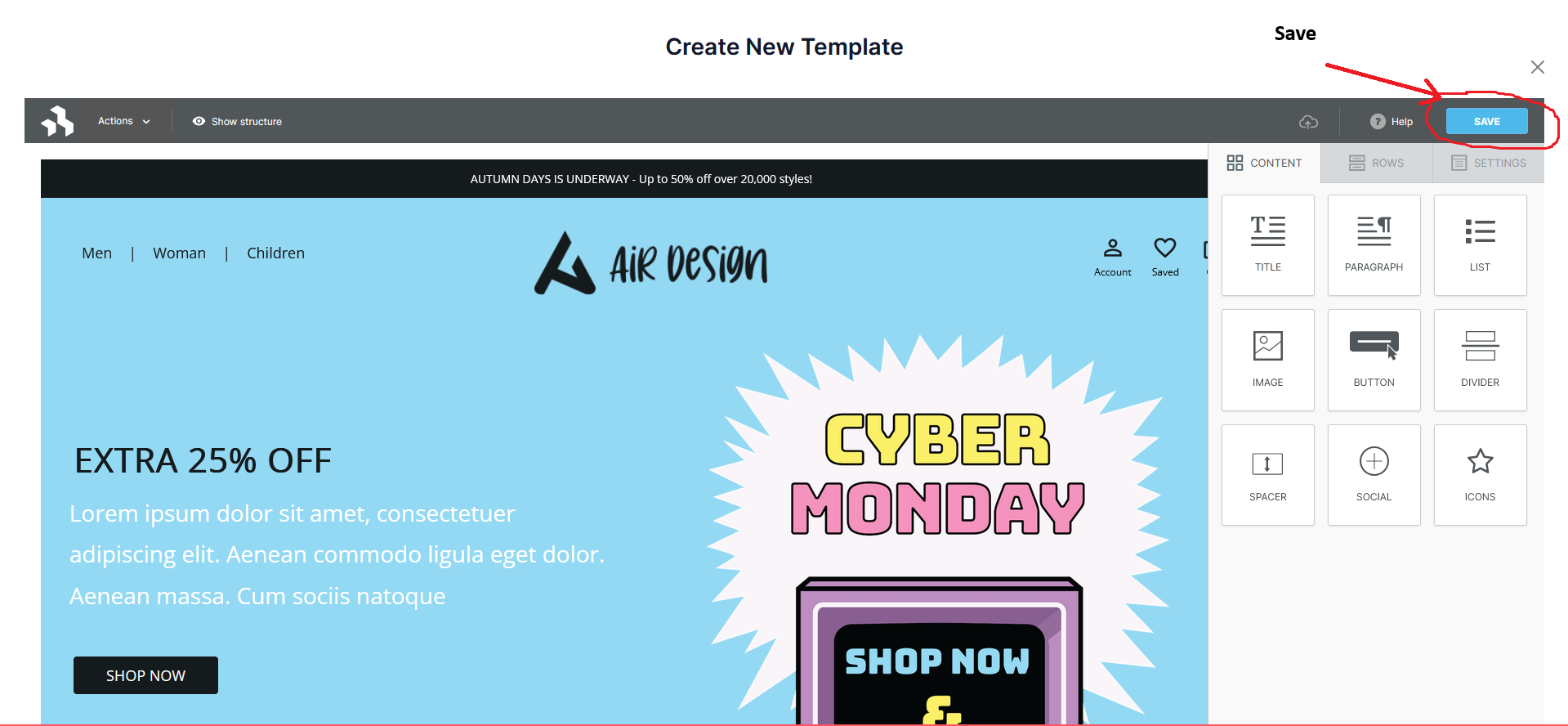
The edit page will look like below
Do necessary modifications and save
You will be redirected back to your Create Email Template page, Save here too
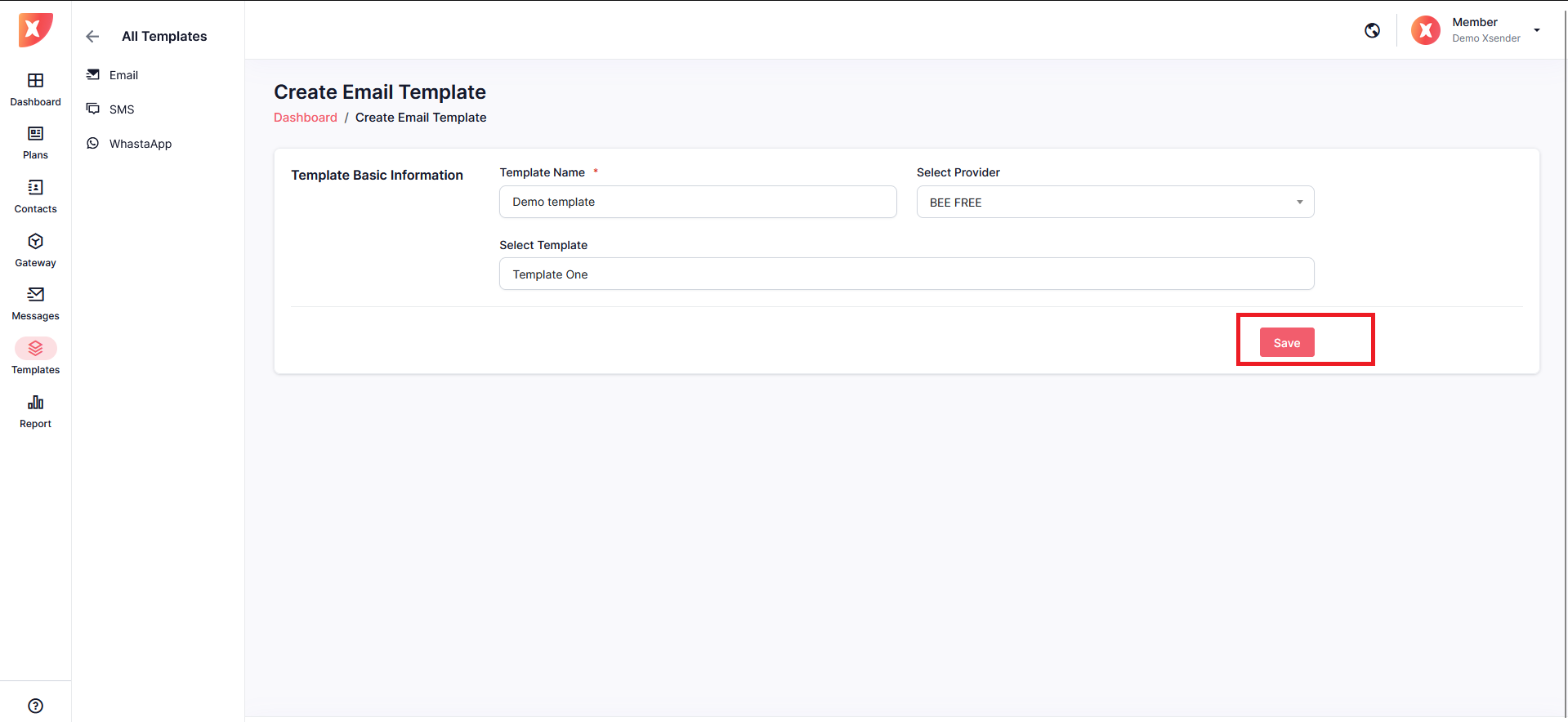
Now you have successfully created an Email Template. You will see it appear on the list . It will be inactive , you will need the approval of the admin. once the admin approves this template it will be active.

Navigate to Templates > SMS

Click on Create Template

Give this template a name and write your message in the template body section
Save
it will appear on the template list. You can edit, delete as well